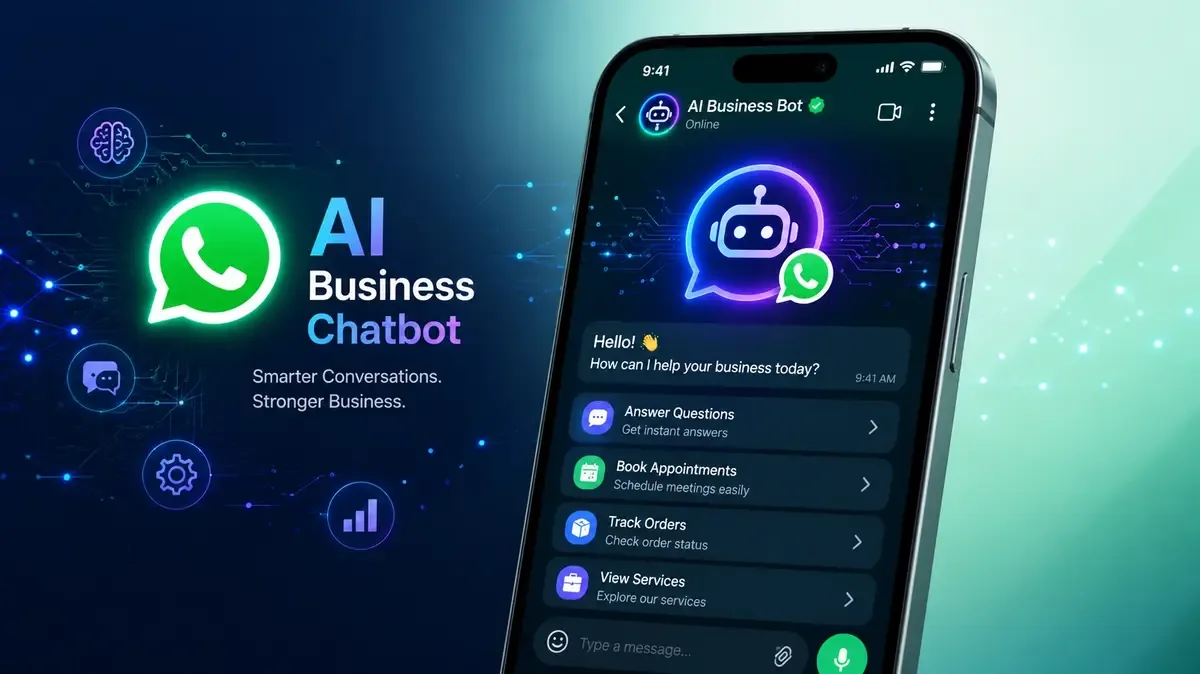
A Chatbot Answers. An Agent Finishes the Job.
The chatbot you deployed in 2023 could answer questions. An AI agent in 2026 can read the enquiry, check your calendar, book the appointment, send the confirmation, create the CRM record and flag the one case a human needs to see. The difference is not intelligence — it is access to your tools and permission to act.
That shift is why automation finally pays off for small businesses. Below are the ten workflows we see deliver returns fastest, what each realistically costs, and the ones you should leave alone.
What Makes a Good First Automation
Before picking a workflow, score it against four questions. If you can't answer yes to at least three, choose a different one.
- Is it high volume? Something happening 20+ times a week, not twice a month.
- Are the rules stable? If the correct action changes constantly, an agent will guess.
- Is the cost of a mistake low and recoverable? Draft an email: fine. Issue a refund: needs approval.
- Is the data already digital? Agents can't automate what lives in someone's head or a paper file.
The classic failure is starting with the most complex, most political process in the company. Start with the boring, repetitive, high-volume one instead.
The 10 Workflows Worth Automating First
1. First-response and lead qualification
An agent answers within seconds on WhatsApp, your website or Instagram, asks the three or four qualifying questions your sales team always asks, and routes the qualified ones to a human with context attached. Response speed is the single strongest predictor of whether a lead converts.
2. Appointment booking and reminders
Read availability, offer real slots, book, confirm, remind, handle reschedules. For clinics, salons, workshops and consultancies this alone typically pays for the whole system through recovered no-shows.
3. Tier-1 customer support
Order status, delivery timelines, return policy, business hours, "how do I…" questions. Deflecting 40–60% of tickets is a realistic target, and it makes your human team available for the cases that need judgement. We covered the numbers in how AI chatbots reduce customer support costs.
4. Quote and proposal drafting
The agent pulls the customer's requirements, applies your pricing rules, generates a branded draft and hands it to a human for a two-minute review. Turns a 45-minute task into five.
5. Invoice and receipt processing
Read incoming invoices, extract line items, match against purchase orders, push to your accounting system, flag mismatches. Highest ROI in any business with more than 50 supplier invoices a month.
6. Order and inventory monitoring
Watch stock levels, reorder points and supplier lead times; draft purchase orders; alert on anomalies. This is the natural bridge between chat automation and a proper ERP system.
7. Follow-up sequences that actually reference the conversation
Not a generic drip campaign — a follow-up that mentions what the prospect asked about, at the interval they implied. This is where AI beats templated marketing automation outright.
8. Review requests and reputation management
Trigger a request at the right post-purchase moment, monitor incoming reviews, draft replies for approval, escalate anything negative to a human immediately.
9. Content repurposing
One case study becomes a LinkedIn post, an email, three social captions and a newsletter section — drafted in your tone, edited by a human before publishing. Never publish unreviewed.
10. Internal knowledge search
An agent connected to your SOPs, contracts and past projects so staff stop asking the same five people the same questions. Quietly one of the highest-value deployments in any team over ten people.
What This Actually Costs
Ranges below reflect typical small-business deployments in 2026 (USD; PKR equivalents on request).
| Scope | Build cost | Running cost / month |
|---|---|---|
| Single-channel FAQ + lead capture bot | $600 – $1,800 | $30 – $90 |
| Multi-channel agent (web + WhatsApp + email) with CRM integration | $2,500 – $7,000 | $80 – $250 |
| Agent with booking, payments or ERP write-access | $6,000 – $18,000 | $150 – $500 |
| Custom internal knowledge agent | $4,000 – $12,000 | $100 – $400 |
Running cost is mostly model usage plus hosting, and it scales with conversation volume — not with headcount, which is the entire point.
Guardrails: What Not to Automate
- Anything that moves money without approval. Refunds, payouts and credit decisions need a human in the loop.
- Final legal, medical or financial advice. Draft, don't decide.
- Complaints and cancellations. Detect them automatically; hand them to a person immediately.
- Anything you can't audit. If you can't see what the agent did and why, you can't fix it when it's wrong.
Build an explicit escalation path from day one: a clear "talk to a human" exit, logged transcripts, and a weekly review of every case the agent got wrong. The businesses that succeed with automation are the ones that read the logs.
A 30-Day Rollout That Works
| Week | What you do |
|---|---|
| 1 | Pick one workflow. Log 50 real examples of how humans currently handle it. |
| 2 | Build the agent against those 50 cases. Define escalation rules and tone. |
| 3 | Run it in shadow mode — the agent drafts, a human sends. Correct every error. |
| 4 | Go live on a portion of traffic. Measure deflection, response time and CSAT. |
Only after week four should you add a second workflow. Businesses that launch five at once end up trusting none of them.
Frequently Asked Questions
What's the difference between a chatbot and an AI agent?
A chatbot responds within a conversation. An agent takes actions in your systems — booking, updating records, sending documents — and can chain several steps to complete a task end to end.
Will an AI agent replace my staff?
In small businesses, almost never. It removes the repetitive 30–50% of a role so the same team handles more volume. The realistic outcome is growth without proportional hiring.
How long does it take to deploy?
A focused single-workflow agent: two to four weeks. A multi-system agent with CRM and booking integration: six to ten weeks, most of it spent on integrations and edge cases rather than the AI itself.
Is my business data safe?
It can be, with the right architecture: your own API keys, no training on your data, encrypted storage, role-based access and full conversation logs. Insist on all five in writing before you sign anything.
What if the agent gives a wrong answer?
Constrain it to your approved knowledge base, make it say "let me get a human" when confidence is low, and review logs weekly. Well-scoped agents are wrong far less often than an overloaded human on a Friday afternoon.
Why Choose Abbas Digital Agency
Abbas Digital Agency builds WhatsApp, web and internal AI agents that connect to the tools you already run — CRM, calendar, accounting and ERP — with escalation, logging and human approval designed in from the start. See our AI and chatbot service, or read about practical ChatGPT integrations that save time.
Not sure which workflow to automate first? Book a free automation audit — we'll map your processes and tell you honestly which one pays back fastest.